 Cut MakerCut Maker
Home › Make Shorts & Reels
The order to make a YouTube Short and an Instagram Reel in one go. No worrying about size or length — follow 5 steps and you’ll have a video ready to post.
“Who · where · what happens” in one line is enough. E.g. Si-eun is chased by zombies at the edge of a cliff.
💡 Stuck? The scenario tool writes a 15-second script for you
✍️ Make a scenario →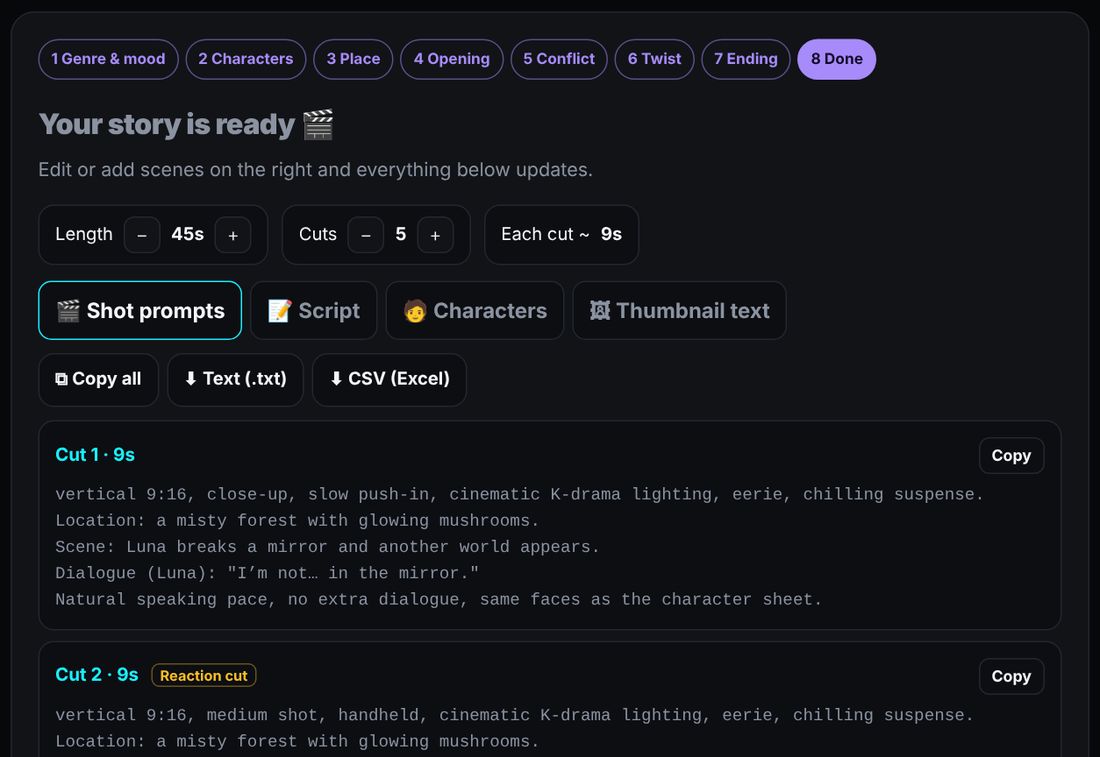
No filming needed. One picture + a prompt gives you 2–3 five-second clips.
💡 First time? Just follow the “Your first AI video” page
🔰 First AI video →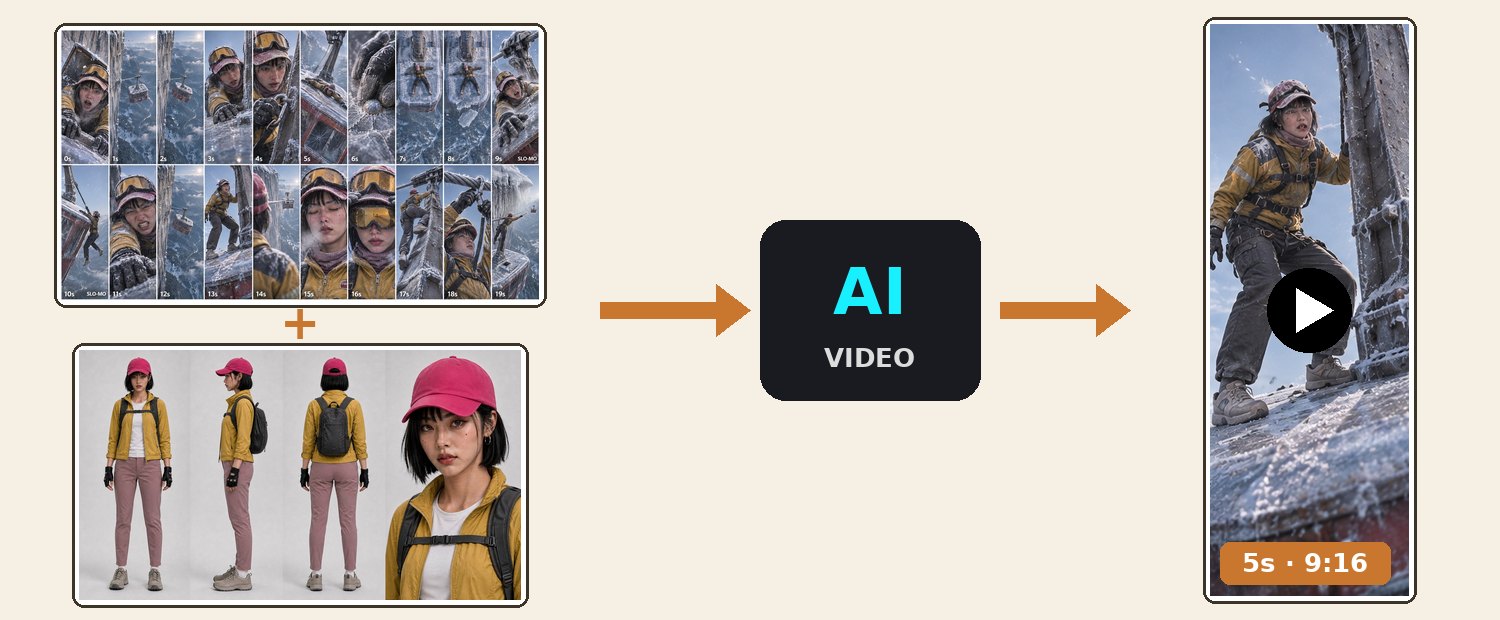
Put the clips in order and add dialogue or a one-line caption. All in the browser, no app install.
🎬 Open Studio →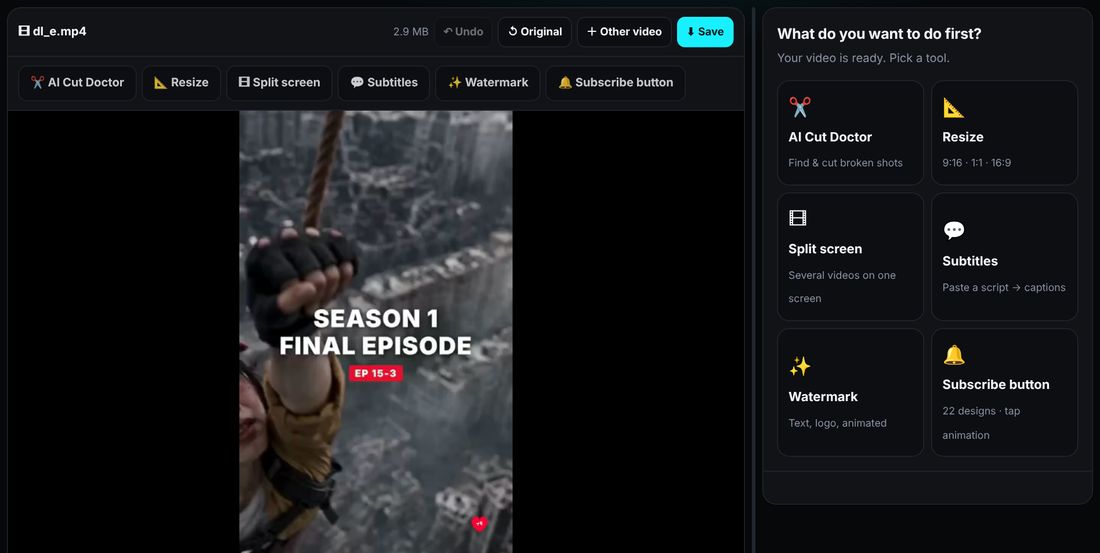
Turn horizontal video vertical, and make sure text isn’t hidden behind the like and comment buttons.
📐 Resize →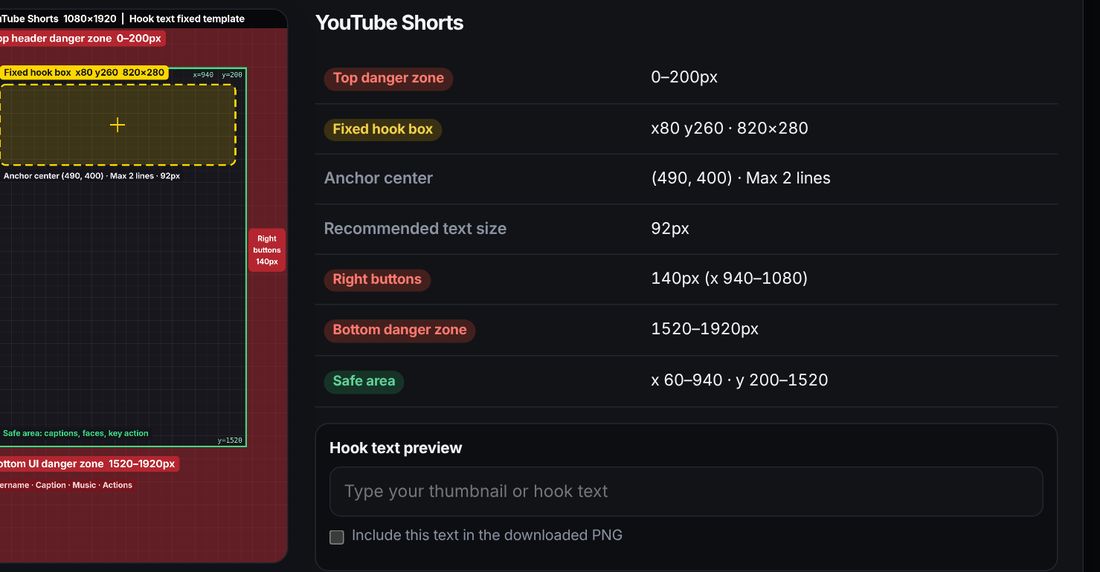
Upload the same file to both. Keep the title short and show what’s happening in the first second.
💡 Worried about re-uploads? Add a copyright mark before posting
🧬 Video Copyright Mark →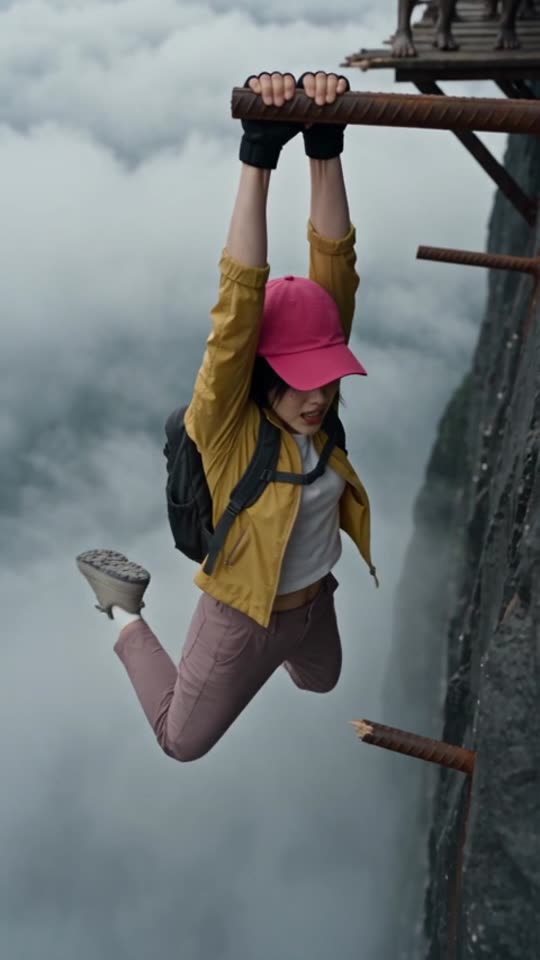
| YouTube Shorts | Instagram Reels | |
|---|---|---|
| Where to post | YouTube app + button → Shorts | Instagram app + button → Reel |
| What works | Long tail from search and subscribers | Spreads fast if day one goes well |
| Music | Shorts audio library | Instagram music (depends on account type) |
| File | One 9:16 MP4 works for both | |
From the second video on, just change steps 1 and 3 — it gets much faster
Yes. The same 9:16 MP4 works on both. Files with another app’s logo (watermark) may be recommended less, so upload the original file.
Both allow up to 3 minutes. Start with 15–30 seconds — short videos get watched to the end more often.
Yes. Make AI clips in a phone browser or app, then join clips and add captions in Cut Maker’s mobile studio.
Vertical 9:16, 1080×1920. Turn horizontal video into 9:16 with the resize tool.